A free Chrome extension that splits every file across up to 32 connections, picks up where it left off even after Chrome closes, and saves the videos and streams it finds on the page.
Free, no accountChrome, Edge, BraveNothing sent anywhere
Install in a minute
The extension isn't on the Chrome Web Store, so Chrome installs it from a folder. You only do this once.
Download and unzip
Get the zip above, then right-click it and choose Extract All. Keep the folder somewhere it can stay, for example Documents.
Open Extensions
Type chrome://extensions in the address bar. Websites aren't allowed to open it for you.
Developer mode
Turn on Developer mode with the switch in the top right corner of that page.
Load unpacked
Click Load unpacked and choose the ss-downloader folder. Then pin it from the puzzle-piece menu.
On Edge the page is edge://extensions, and on Brave it's brave://extensions. Chrome may remind you about developer-mode extensions when it starts: that's normal for extensions installed this way. To update, unzip the new version over the old folder and press the reload arrow on the SS Downloader card.
What it does
Built from scratch for SS World, in the spirit of desktop download managers like IDM and Ghost Downloader.
Many connections at once
Up to 32 per file. When one finishes early it takes half of the biggest piece left, so the end of a download doesn't crawl.
Pause, resume, survive
Pause any time. Close Chrome halfway and the download carries on from the same byte next time Chrome starts.
Finds what's playing
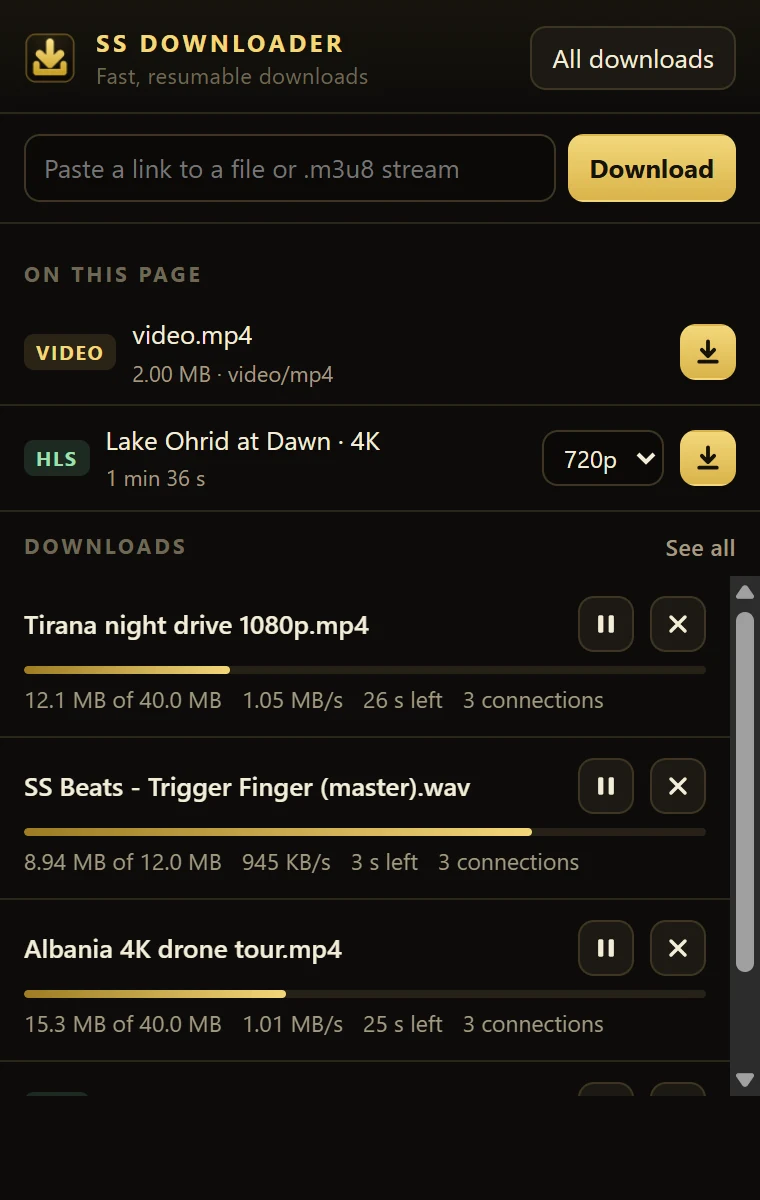
Videos, audio and HLS streams the page loads show up in the popup, with a count on the toolbar icon.
HLS, even encrypted
Pick the quality. AES-128 streams are decrypted as they download; fMP4 streams come out as .mp4, the rest as .ts.
The SS button
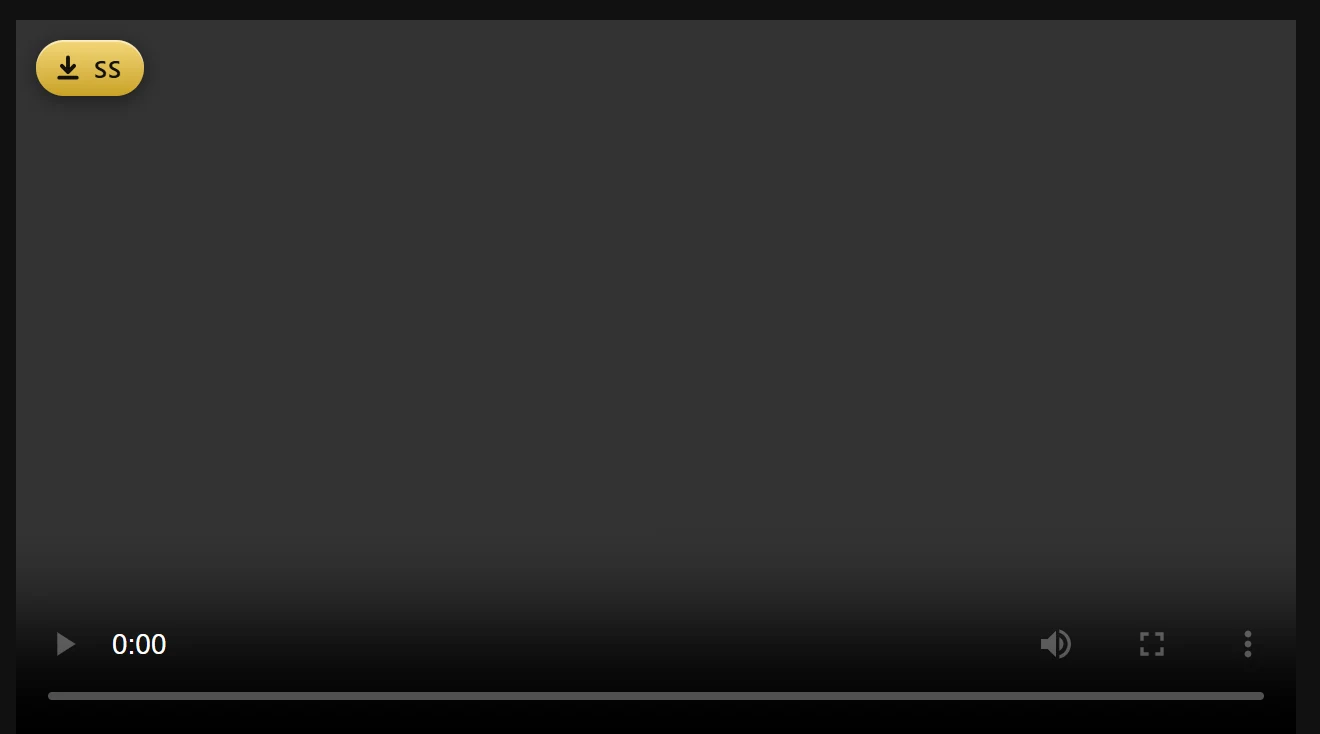
Hover over a video and a gold button appears. One click and it's downloading, even when the player hides the real address.
Right-click and settings
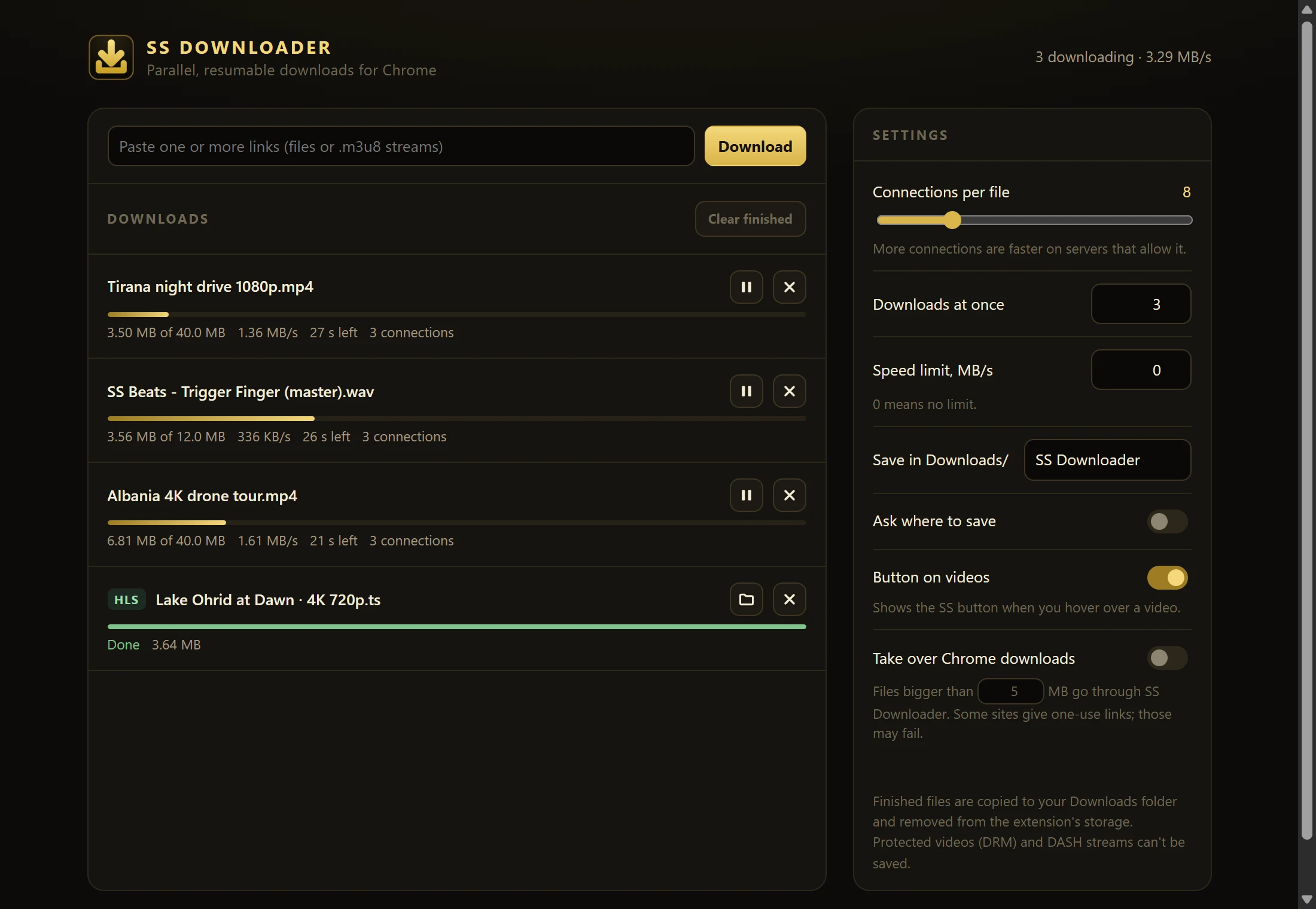
"Download with SS Downloader" on any link or media. Set connections, a speed limit, the folder, or let it take over Chrome's downloads.
The manager: every download, its speed and connections, and the settings.The SS button on a video.
GOOD TO KNOW
Your files stay yours. It talks only to the sites you download from. No account, no tracking, no servers of ours in between.
Sites that check where you came from work: each download carries the page it was found on and your normal cookies.
Disk space: while a file is being copied into Downloads it briefly needs twice its size free.
Finished files go to Downloads/SS Downloader. You can change the folder in the settings.
WHAT IT CAN'T DO
YouTube and other DASH streams (.mpd) aren't supported yet.
DRM-protected video such as Netflix, Disney+ or Prime Video can't be saved by any extension.
Live streams are saved up to the moment you start, not as they continue.
Phones: Chrome on Android and iPhone doesn't run extensions. Use it on a computer.
 SS DOWNLOADER